🎮 Maximizing Gaming Performance With an Optimized Setup
A well-tuned gaming setup delivers more than higher frame rates—it creates a consistent environment where hardware, software, and ergonomics work in sync for steady performance under pressure. The goal isn’t excess; it’s removing friction points that interrupt execution, whether that’s system latency, thermal spikes, or inefficient workspace design. This approach keeps the focus on gameplay while ensuring the system responds predictably across long sessions.
Hardware Foundations for Peak Output
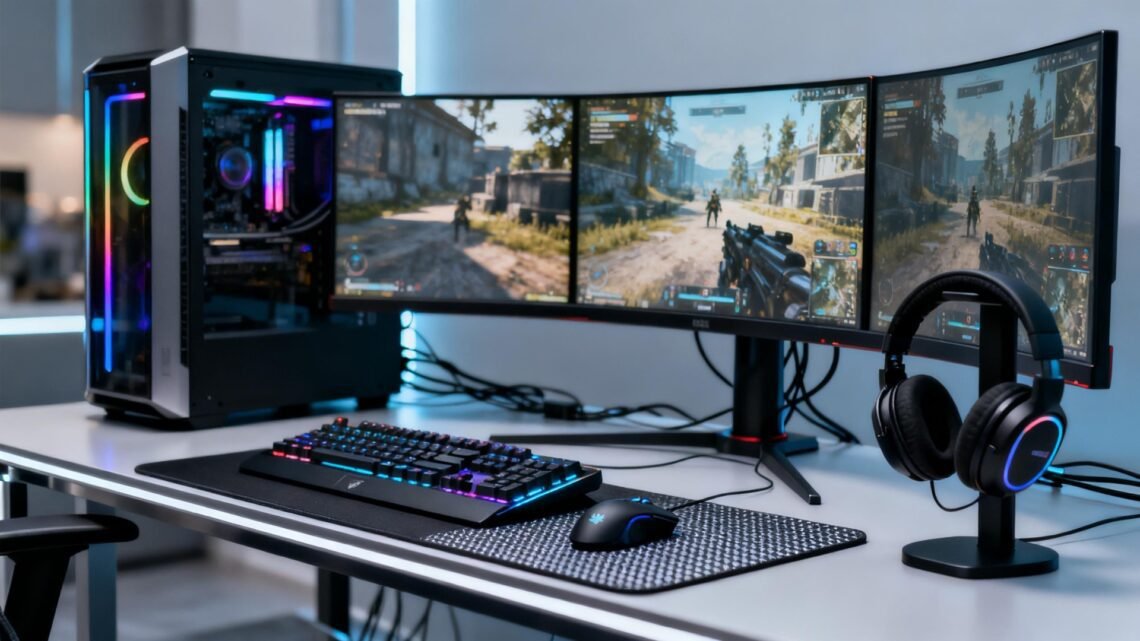
Building an optimized gaming setup starts with stable, performance-forward components calibrated to the demands of modern titles. Processing power and GPU bandwidth remain the core drivers, but the surrounding system—memory speed, power delivery, airflow—determines how well that power translates during extended operation. Even small inefficiencies can create frame pacing issues that feel larger than raw FPS loss, making balanced hardware choices more effective than chasing extreme specs. Pairing a capable GPU with fast storage minimizes load interruptions, while a reliable power supply reduces transient dips during intense scenes. The overall gain comes from alignment, not overkill.
Gaming graphics card • Gaming power supply • NVMe SSD
Software Tuning for Consistent Performance
Software optimization stabilizes how the system behaves under variable load, keeping performance predictable across titles with different engine demands. Driver updates matter, but so do the less visible settings: background processes, in-game configurations, and system-level power profiles that steer how hardware responds in real time. Reducing unnecessary overlays, tightening graphics settings to match refresh rate ceilings, and using performance-oriented OS modes all contribute to lower latency and fewer micro-stutters. With a clean software stack, the machine prioritizes throughput rather than juggling idle tasks, creating an environment where each title can operate without competing for resources.
Gaming mouse pad • PC fan control hub • Windows optimization guide
Ergonomics and Layout for Sustained Precision
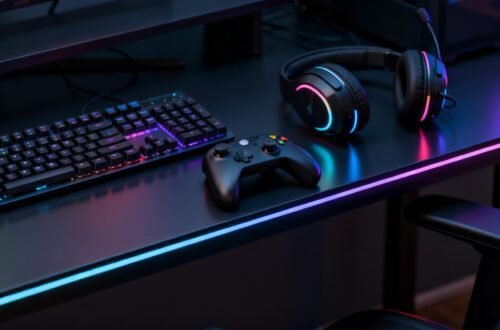
An efficient gaming environment supports long sessions without creating strain or introducing movement delays. The objective is smooth workflow: consistent device placement, cable routing that doesn’t obstruct hand positioning, and lighting that keeps the workspace clear without glare across displays. A stable desk and responsive peripherals translate physical input into predictable on-screen behavior, and monitor positioning sets visual clarity that reduces misreads during rapid motion. When everything is placed with intention, the setup becomes a controlled space where reaction time isn’t impacted by discomfort, distraction, or inefficient reach.
Adjustable gaming desk • Ergonomic gaming chair • Large gaming monitor stand
Closing
An optimized gaming setup is ultimately about shaping a system that behaves the same way every time, regardless of load or session length. By focusing on aligned hardware, disciplined software tuning, and ergonomics that reduce interference, performance becomes a stable baseline rather than a variable. This creates a playing environment where the technical foundation stays steady, allowing gameplay itself to take the lead.


You May Also Like

🎮 Level Up Your Thanksgiving Break: The Best Gaming Gear for a Chill, Stress-Free Holiday
🎮 How to Build a Zero-Latency Living Room Gaming Setup With Modern Consoles