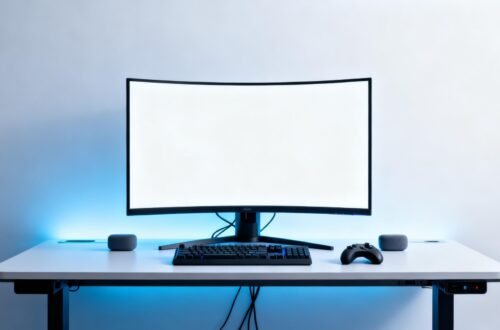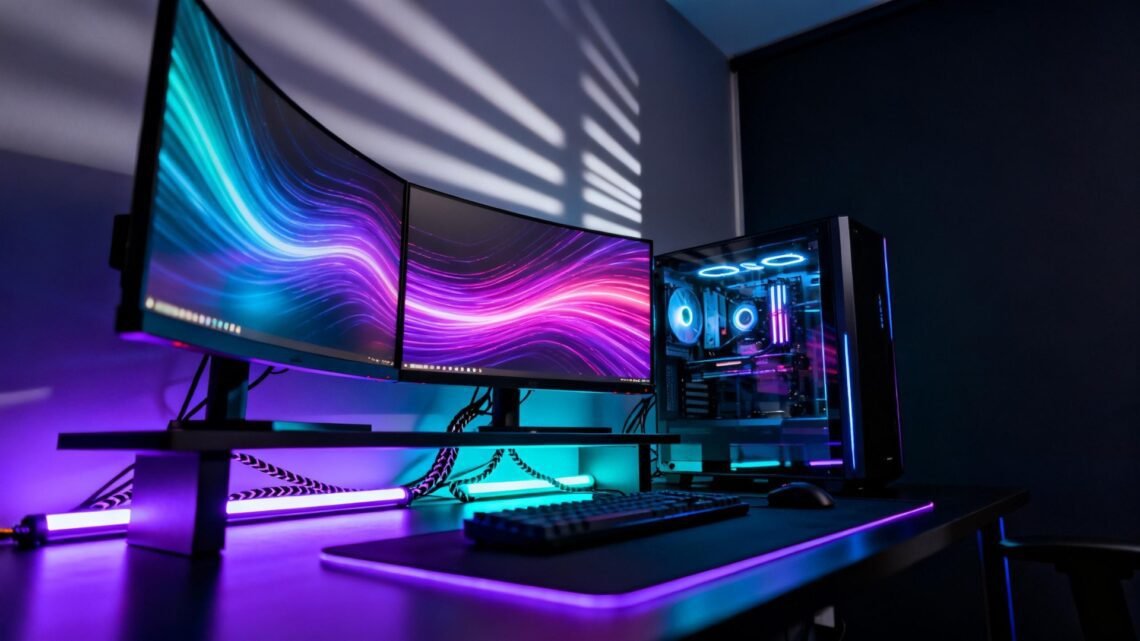
🎮 Creating the Perfect RGB Gaming Sanctuary at Home
A gaming space is no longer just a desk and a screen. It is a personal environment where design, performance, and comfort converge. When done right, an RGB gaming sanctuary becomes a place that supports focus, creativity, and long sessions without fatigue. The glow of coordinated lighting, the calm order of managed cables, and the subtle upgrades that improve posture all work together to elevate the experience. This is not about excess or spectacle for its own sake. It is about intentional design choices that turn a functional setup into a space that feels uniquely yours while supporting how you actually play and work.
Building the Visual Core With RGB Setup Ideas
The foundation of a strong RGB gaming sanctuary starts with visual cohesion rather than sheer brightness. Lighting should frame the space and reinforce its geometry, not overwhelm it. Begin by choosing a primary color palette, usually two complementary hues or a monochrome gradient, and apply it consistently across lighting zones. Ambient lighting behind the desk or monitor creates depth and reduces eye strain, while accent lighting along shelves or wall edges adds dimension. Reflections matter too. Matte surfaces absorb light softly, while glossy finishes amplify it, so balance these textures carefully. A neutral surface like a dark desktop paired with a subtle desk mat helps ground the scene while letting the lighting stand out. Vertical lighting elements can visually raise the ceiling, making smaller rooms feel more expansive. Coordinating keyboard and mouse lighting with background illumination keeps the setup feeling unified instead of chaotic. Consider how the lighting looks both on camera and in real life, since excessive saturation can feel impressive online but distracting during long sessions. Modular LED strips allow flexibility as your setup evolves, letting you adjust placement without redesigning everything. The goal is not maximum RGB, but a deliberate visual rhythm that supports immersion. Even mounting displays on a monitor arm contributes to this effect by freeing desk space and allowing lighting to flow uninterrupted behind the screens.
Comfort Upgrades That Support Long Gaming Sessions
Visual appeal draws you in, but comfort determines how long you can stay. Ergonomics should be treated as a core design element, not an afterthought hidden beneath RGB effects. Start with seating, since posture impacts everything from focus to endurance. The chair should support the natural curve of the spine and encourage a neutral sitting position. Small additions can make a major difference, such as a breathable seat cover or a well-placed lumbar pillow that reduces lower back strain. Desk height and monitor positioning should align so your eyes rest naturally on the top third of the screen without neck tension. Underfoot support matters as well. A subtle footrest helps maintain circulation and reduces pressure during extended play. Temperature control often goes overlooked, but good airflow keeps both you and your hardware comfortable, which in turn stabilizes performance. Sound also contributes to comfort. Soft acoustic panels or fabric wall elements can reduce echo and create a calmer atmosphere. Even hand comfort deserves attention, as wrist alignment and surface texture affect fatigue. Accessories like a supportive wrist rest or a smooth memory foam pad can prevent strain without cluttering the desk. When comfort upgrades blend seamlessly into the aesthetic, the space feels intentional rather than clinical. The best setups make comfort invisible but constantly felt.
Cable Control Basics for a Clean and Functional Space
Cable control is the quiet discipline that separates polished gaming sanctuaries from visually noisy ones. Poor cable management breaks immersion, collects dust, and makes maintenance frustrating. Begin by mapping every device and its power needs before routing anything permanently. Group cables by function, such as power, data, and peripherals, and guide them along predictable paths. Using flexible cable sleeves allows multiple wires to move as one, simplifying both appearance and troubleshooting. Mounting power sources beneath the desk keeps bulky components out of sight while maintaining easy access. Adhesion based solutions like adhesive clips are ideal for lightweight cables that need subtle guidance along desk edges or monitor arms. Leave small service loops near connection points so cables are not under tension when adjusting equipment. Labeling can feel excessive, but it saves time when upgrading or diagnosing issues. Even the choice of a quality power strip matters, as it centralizes control and reduces the need for visible extensions. Good cable control also improves airflow, reducing heat buildup around sensitive components. Over time, a clean cable layout encourages you to keep the space tidy, reinforcing the sanctuary mindset. When cables disappear, the design and lighting take center stage, and the entire setup feels calmer and more professional.
A perfect RGB gaming sanctuary is not defined by a single purchase or trend. It is the result of thoughtful layering, where lighting enhances structure, comfort supports performance, and cable control preserves clarity. Each decision builds on the last, creating a space that adapts as your needs change. When aesthetics and function align, the setup becomes more than a backdrop for gaming. It becomes a personal environment that invites focus, creativity, and enjoyment every time you sit down.